Red Dot Tracker
Follows the red dot wherever it hides.
Red Dot Tracker
<nav class="f-nav" aria-label="Site">
  <span class="f-nav__brand">Duna Feline</span>
  <a href="/" aria-current="page">Blog</a>
  <a href="/projects/">Projects</a>
</nav>
<!-- Floating over the page: class="f-nav f-nav--fixed" -->

<button class="f-theme-toggle" type="button" data-f-theme-toggle>Auto</button>
<button class="f-btn" type="button">Default</button>
<button class="f-btn f-btn--primary" type="button">Primary</button>
<a class="f-btn f-btn--quiet" href="/hairball/">Quiet</a>
<span class="f-chip">Purrometheus</span>
<button class="f-chip" type="button" aria-pressed="true">Hairball</button>

<div class="f-segmented" role="group" aria-label="View">
  <button type="button" aria-pressed="true">List</button>
  <button type="button" aria-pressed="false">Grid</button>
</div>
<input class="f-input" type="text" aria-label="Name your cat" />
<input class="f-input f-search" type="search" aria-label="Search" />
$ curl https://example.com/hairball
200 OK  red dot found
<pre class="f-code"><span class="f-code__prompt">$ </span>curl https://example.com/hairball
<span class="f-code__out">200 OK</span></pre>

<!-- Inline code inside .f-prose is plain <code>. -->
Info
Purrometheus refreshes every five minutes.Success
The red dot was caught.Warning
The Hairball queue is getting long.Danger
The red dot escaped the tracker.<div class="f-alert f-alert--warning"> <p class="f-alert__title">Warning</p> The Hairball queue is getting long. </div> <!-- Kinds: f-alert--info, --success, --warning, --danger. -->
Follows the red dot wherever it hides.
A small tool that collects hairballs.
<div class="f-cluster" data-f-liquid>
  <article class="f-card">
    <div class="f-card__media" style="background-image: url(board.jpg)"></div>
    <div class="f-card__body">
      <h3>Red Dot Tracker</h3>
      <p>Follows the red dot wherever it hides.</p>
    </div>
  </article>
  <article class="f-card f-card--text">
    <div class="f-card__body">…</div>
  </article>
</div>
<dialog class="f-sheet" aria-labelledby="sheet-title">
  <div class="f-sheet__panel">
    <h3 id="sheet-title">New tracker</h3>
    <p>Purrometheus will tell you when the red dot shows up.</p>
    <button class="f-btn" type="button">Close</button>
  </div>
</dialog>
<!-- Open it with dialog.showModal(). -->
<button class="f-media-toggle" type="button">Pause</button>
<!-- Over a cover or panel video; see the Cover and Panels layouts. -->
<nav class="f-toc" aria-label="On this page" data-f-scrollspy>
  <a href="#overview">Overview</a>
  <a href="#install">Install</a>
  <a href="#usage">Usage</a>
</nav>
A card filled with a deep shade of the accent, the same in both themes. The title is an
h3 here because this page has its own h1.
<section class="f-hero">
  <div>
    <p class="f-hero__kicker">Project</p>
    <h3 class="f-hero__title">Red Dot Tracker</h3>
    <p class="f-hero__lead">Maps every wall the red dot has touched.</p>
    <div class="f-hero__actions">
      <a class="f-btn f-btn--primary" href="#">Learn more ↗</a>
      <a class="f-btn" href="#">Source</a>
    </div>
  </div>
  <figure class="f-hero__media">…</figure> <!-- optional -->
</section>
or find me on
<p class="f-divider">or find me on</p>
404
The page you want is not here. Maybe the red dot took it.
<div class="f-empty">
<div>
<div class="f-empty__cat" aria-hidden="true"></div>
<p class="f-empty__code">404</p>
<h1>This cat wandered off</h1>
<p>The page you want is not here.</p>
<a class="f-btn f-btn--primary" href="/">Back to home</a>
</div>
</div>
Diagram

--bare.
<figure class="f-figure"> <p class="f-figure__kicker">Diagram</p> <img src="aurora.jpg" alt="…" width="1920" height="1080" /> <figcaption><b>Steer the light.</b> Mirrors and filters mix the bands.</figcaption> </figure> <!-- A self-framed SVG or picture: class="f-figure f-figure--bare" -->
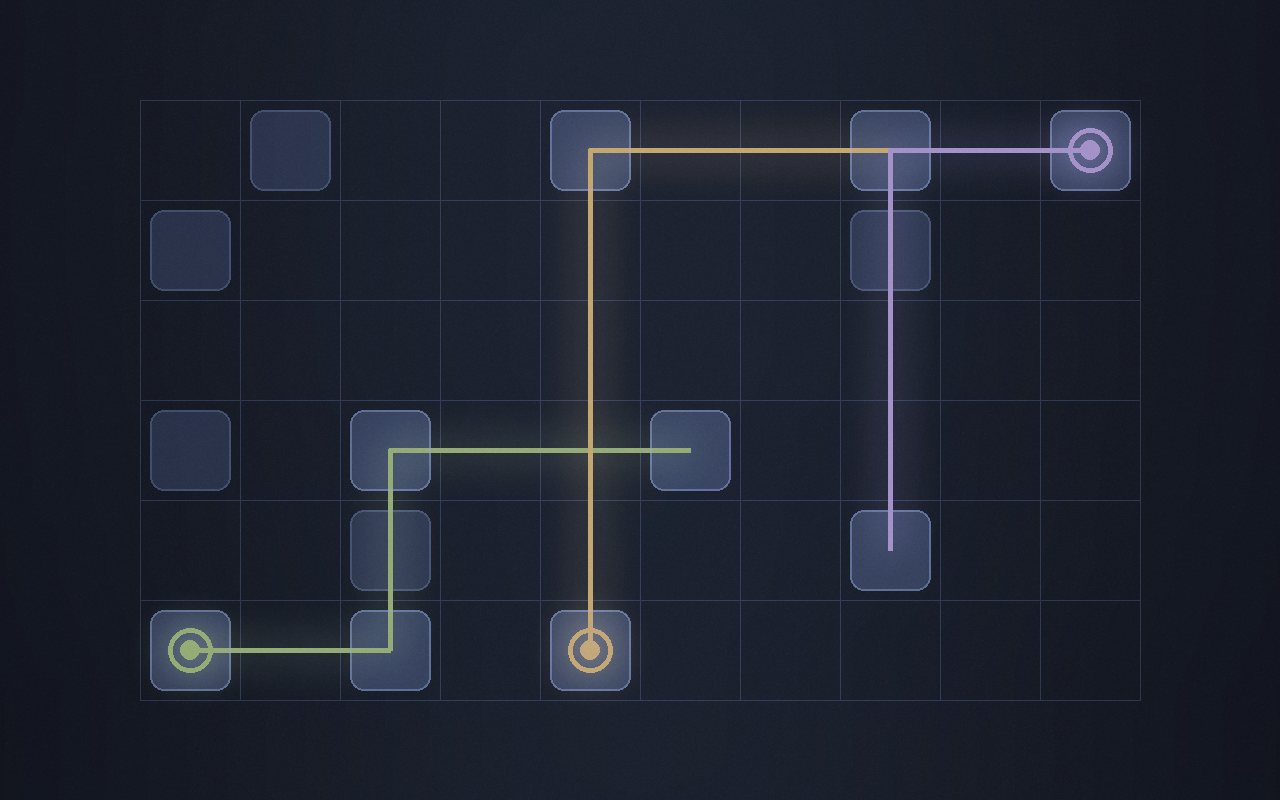 Board one
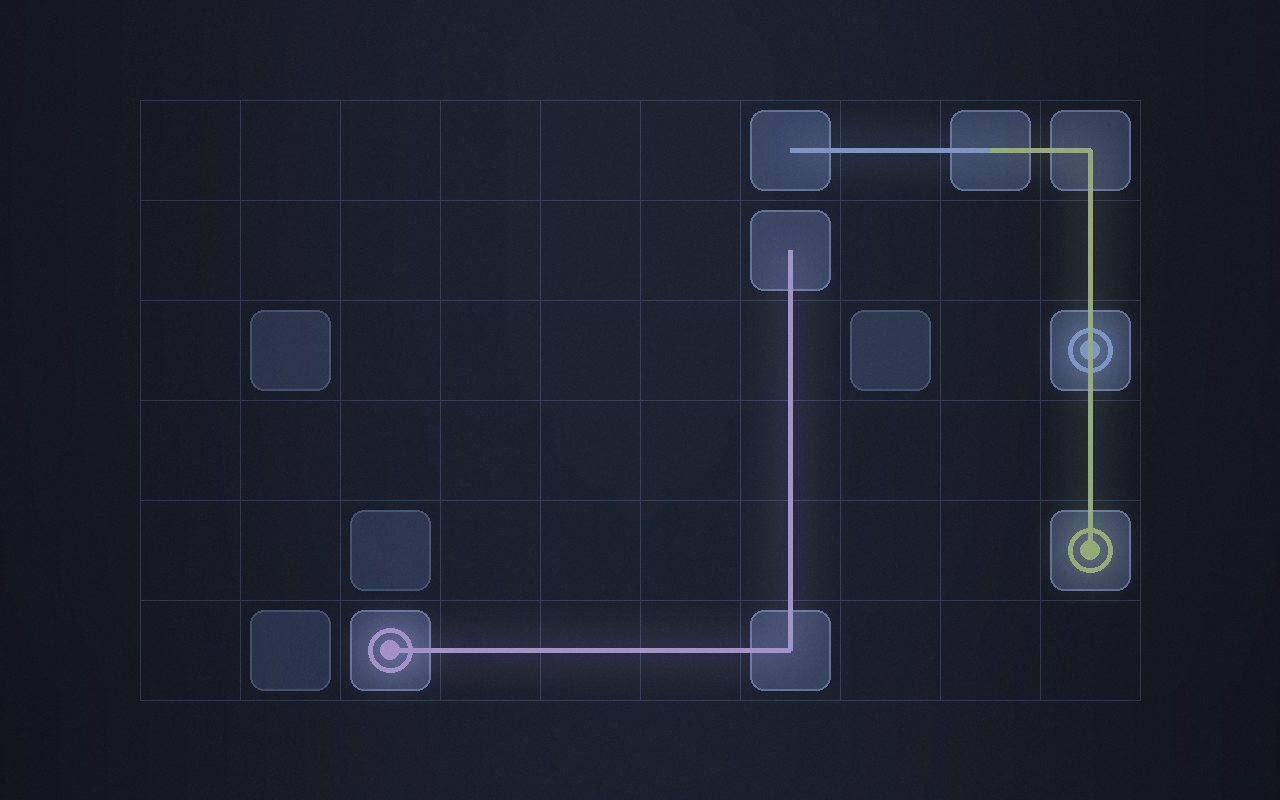 Board two
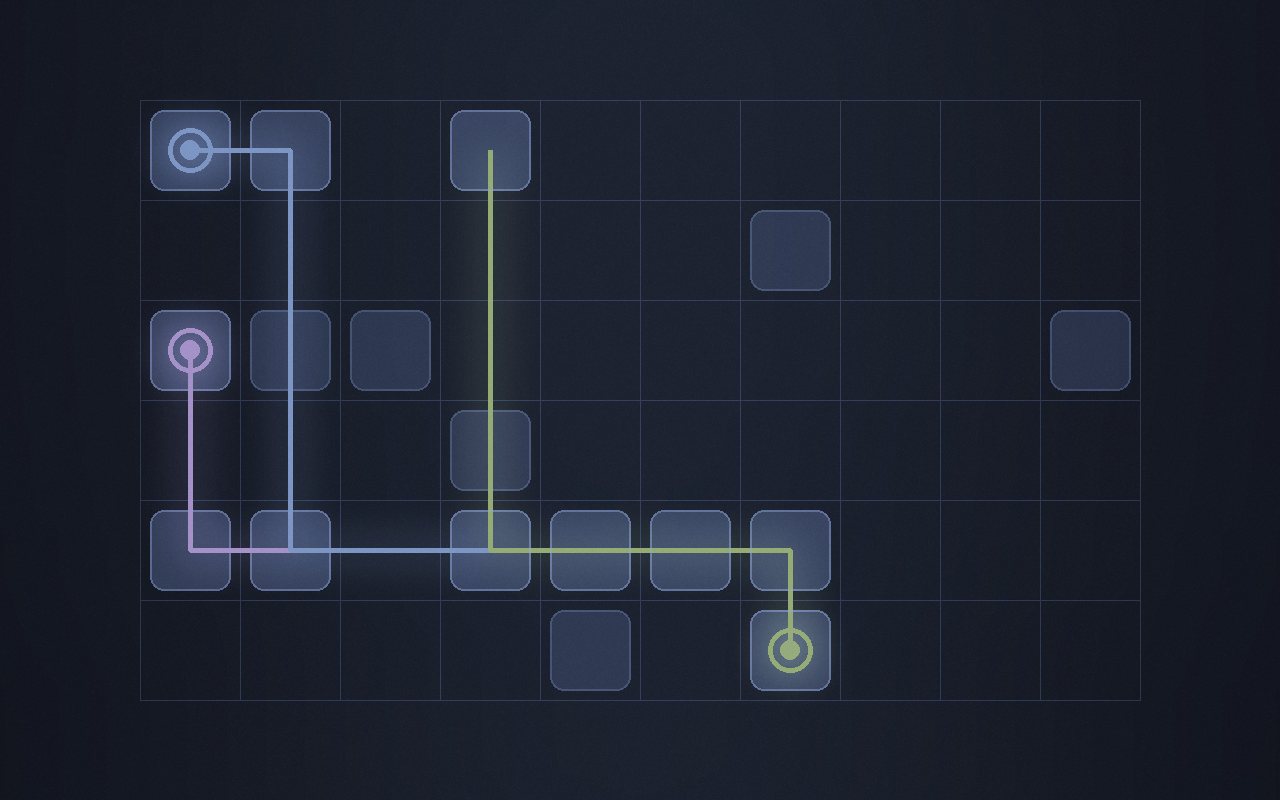 Board three
<ul class="f-gallery" style="--f-gallery-min: 14rem">
<li>
<img src="board-1.jpg" alt="…" width="1280" height="800" />
<span class="f-gallery__label">Board one</span>
</li>
</ul>
Board
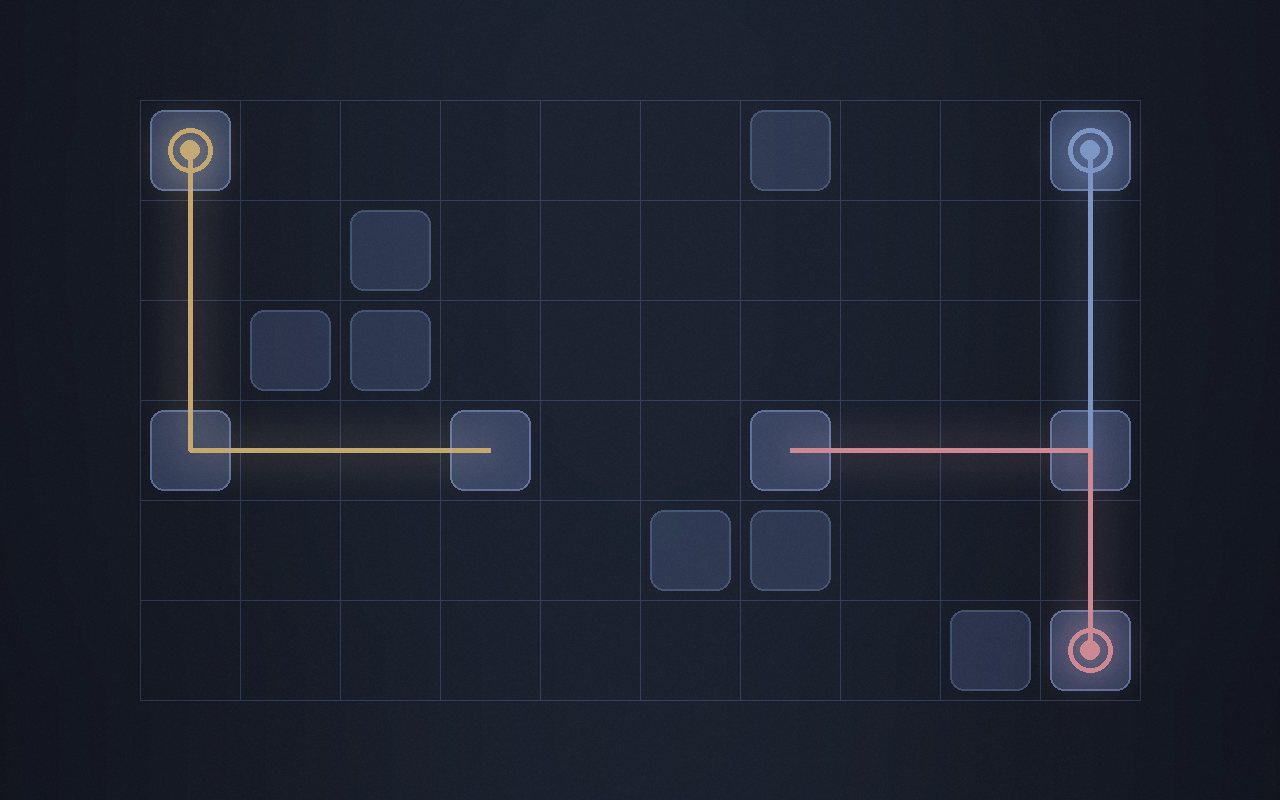 Another board
<div>
<div class="f-segmented" role="group" aria-label="Look" data-f-variants="look" hidden>
<button type="button" data-variant="modern" aria-pressed="true">Modern</button>
<button type="button" data-variant="classic" aria-pressed="false">Classic</button>
</div>
<img data-f-variant="look:modern" src="modern.jpg" alt="…" />
<img data-f-variant="look:classic" hidden src="classic.jpg" alt="…" />
</div>
Social
A row of round icon links. The icons live in
dist/icons.css, linked on its own; every link carries a visually hidden name.githublinkedingoogle-scholarinstagramxemailrssorciddblpsemantic-scholarwechatweibozhihubilibilixiaohongshublueskymastodonthreadsyoutubeMarkup
<link rel="stylesheet" href="…/dist/icons.css" />

<ul class="f-social" aria-label="Elsewhere">
  <li>
    <a class="f-social__link" href="https://github.com/example" rel="me noopener">
      <span class="f-icon f-icon--github" aria-hidden="true"></span>
      <span class="f-visually-hidden">GitHub</span>
    </a>
  </li>
</ul>